
./space_re:ACT
A downloadable game for Windows and Android
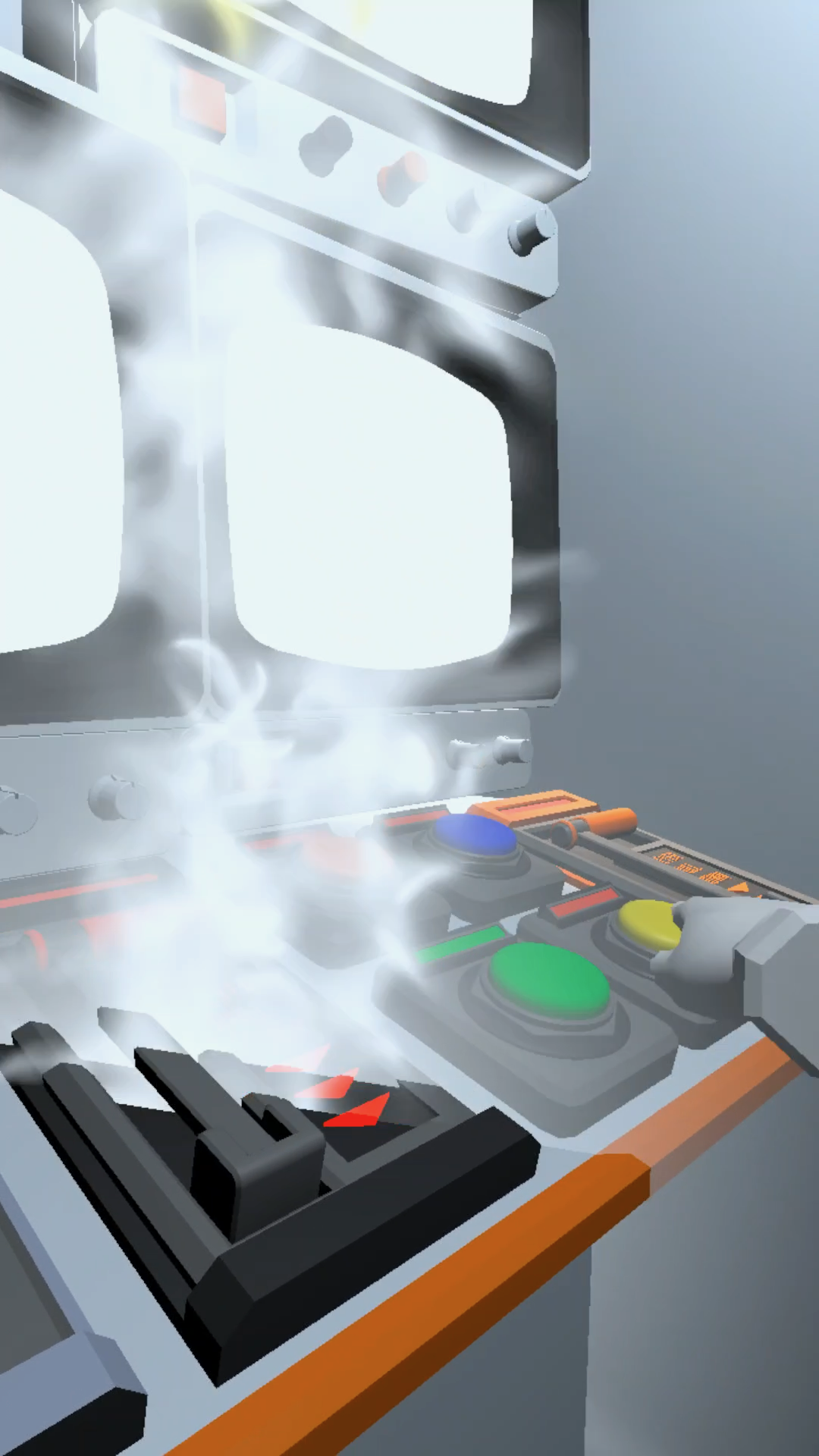
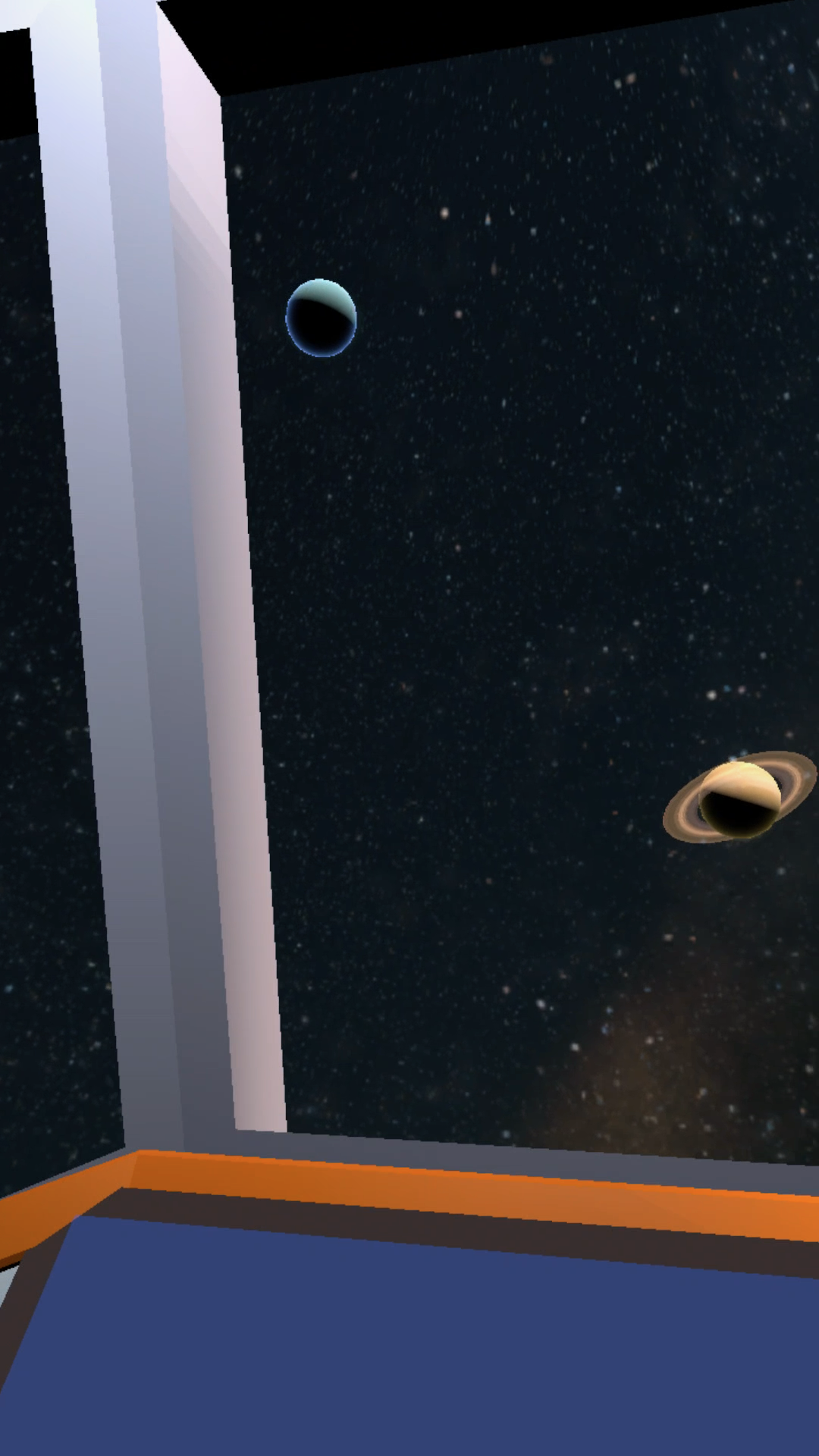
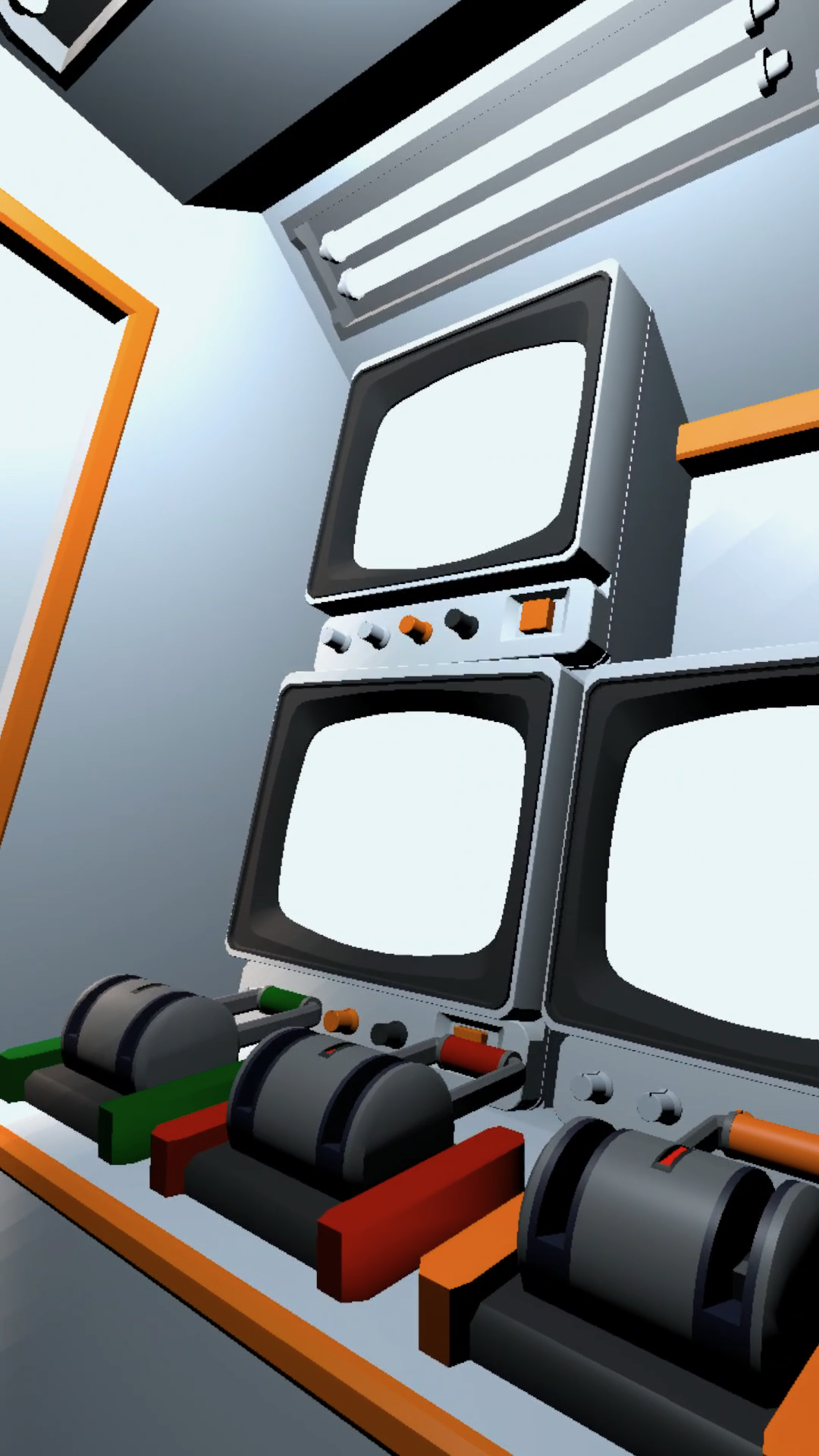
./space_re:ACT is an interactive game that tests a player's ability to react to verbal and visual instructions in a high-pressure, simulated space cockpit environment. The player must successfully push buttons and pull levers to manage a space mission before disaster strikes. This short interactive story simulates the intense pressure and efficiency required for an astronaut's job.
** For the best experience play while sitting. **
Two-time award-winning, immersive Virtual Reality (VR) game, created by our team of 4 against a competitive pool of 64 participants during the 42-hour DandyHacks 2025 competition.
The project secured:
🥇 1st Place: Creative Immersive Technology Category
💼 Winner: Best Business Potential Award
The game was developed in Unity utilizing the XR Toolkit. C# was used for all back-end implementation and scripting. Assets were modeled from scratch using Blender, and the team collaborated effectively using GitHub for version control. Narration was handled using ElevenLabs.
./space_re:ACT is a Unity-built (2025) XR cockpit simulation that tests players’ reaction speed under extreme mission pressure. Created in 42 hours using custom Blender assets, C# scripting, and narrated through ElevenLabs, it delivers a fast and immersive space-mission challenge.
Download
Install instructions
This game can be side loaded using the android file (.apk). It's recommended to use the side quest VR PC app to do this.
The game is a Windows 64-bit application built using the OpenXR standard. It is designed to run across virtually all major PC VR headsets (Meta Quest via Link/Air Link, Valve Index, HTC Vive, WMR, etc.).
- VR Connection & Runtime: Ensure your PC VR headset is active and connected to your PC. The game requires you to have a conformant OpenXR runtime (like SteamVR or the Oculus PC App) installed and set as your computer's default OpenXR runtime.
- Launch Game: Download and extract the game's .zip file. With your headset active, run the main Application file (.exe) located inside the extracted folder to launch the game in VR.
- Meta Quest Link User Note: If you are using a Meta Quest headset (via Link or Air Link), you must enable "Unknown Sources" in the Oculus PC application settings to run the game.
- Controller Note: The game was tested and optimized for the Meta Quest Touch Plus controllers. The OpenXR runtime will attempt to automatically remap controls for other headsets, but key bindings may vary.
Comments
Log in with itch.io to leave a comment.
hey why I can't download the android version? It keep not giving me download it
I like the idea.
But I didn't find it clear which button or lever I should be looking for. Nothing seems to be flashing and there is no colour information given.
Did I miss something?
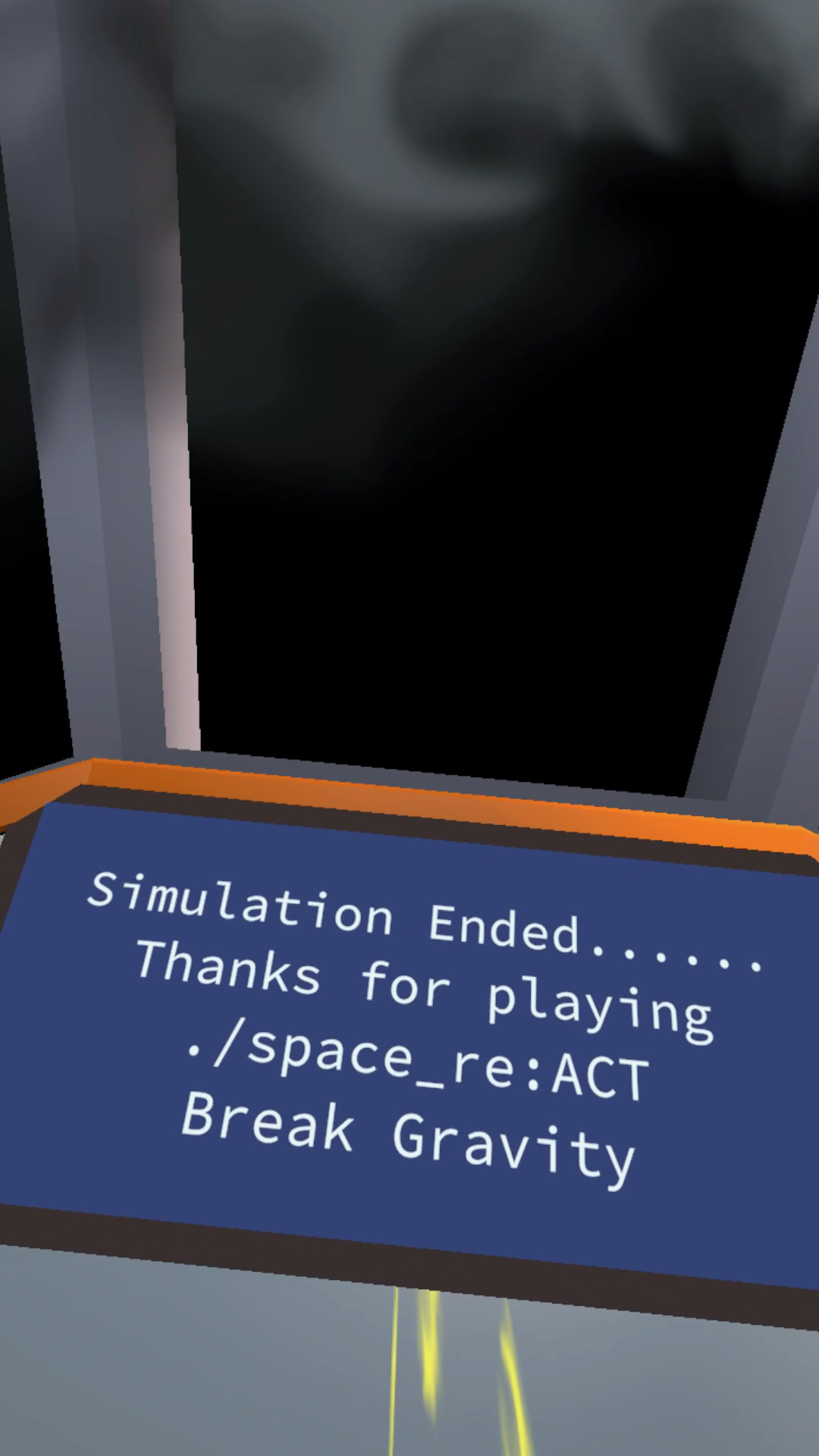
Hi, this is actually a short story so it follows a script. It is interactive so you have to press/pull certain items to continue the script. However, after you interact with the right items the story should end with a screen saying thanks for playing the simulation. If you didn't reach that screen then there is other buttons you still need to interact with. If you have any other questions or feedback please let me know!
The problem is that it is unclear which is the right item. For example "Hurry! Press the button". Nothing seems to indicate which one that is referring to (nothing lights up or flashes that I can see). If I do press just one wrong button then I see smoke before the 'too many failures, system shut down' message displays and the game ends.
It could do with a retry option?
Thank you for the feedback! It is a script as of now so there isn't actually a "right" button to press no matter what you click the script will continue as is. In the future we have talked about adding levels and more difficulties with indicators though! However for now there isn't anything more to the story it's just a quick interactive simulation/story.